Login
Login
How to Learn SAP EWM with Best Practices – My 4-step Method
Around SAP EWM
How to Learn SAP EWM with Best Practices – My 4-step Method
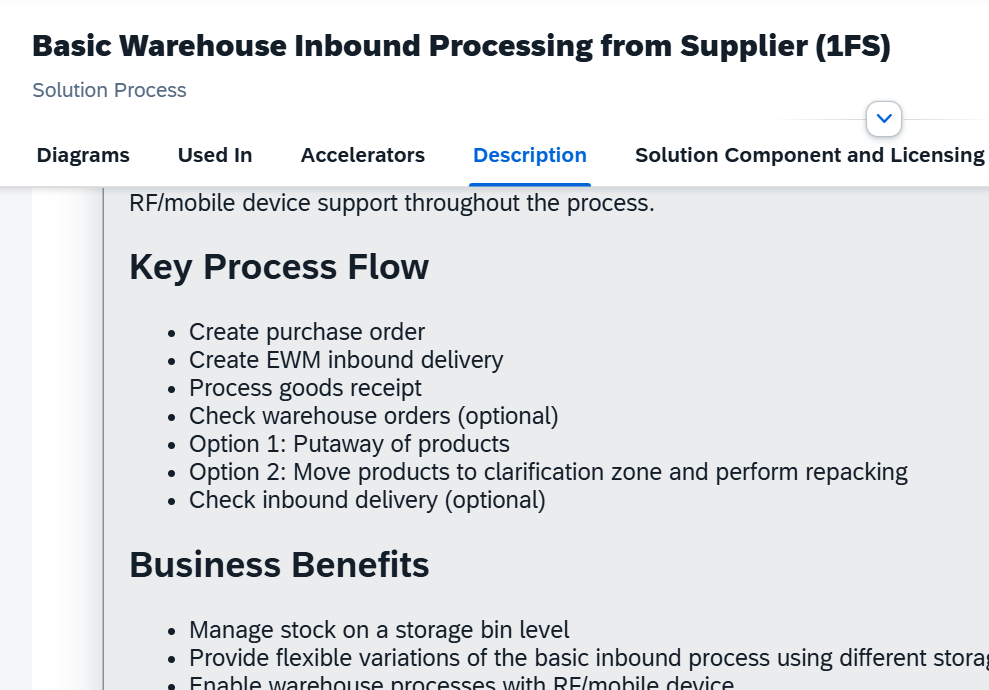
If you’ve ever tried to learn a new SAP EWM process by simply downloading the Best Practices documentation and clicking through the test scripts – you know how it ends. You finish the exercise, feel good for a minute, and then a week later, it’s all gone. The learning didn’t stick. Why? Because simply clicking buttons isn’t learning EWM. I would go that far to say it is a waste of time.
With this blog I will tell you why and I will also share my ideas about how you can avoid making it a waste of time.
I’ll show you my ‘4-step Learning Method’ for learning SAP EWM using the Best Practices in a way that actually sticks.
This method comes along with a small e-book and a glossary – I will explain later where you can download the files.
Note that this method is essential for two types of EWM professionals: Obviously the Starters who are just diving into EWM, but also The Seniors who are responsible for mentoring those starters. Cause if you teach you might want to teach in a sustainable way.
Why do click instructions fail?
The mistake that a lot of people make while learning SAP EWM – and this is especially true when you use the Best-Practices as a starting point – is to start with the ‘how’ (the clicks) instead of the ‘why’ (the logistics). It’s like learning to use photoshop without ever having learned about design principles or user experience basics.
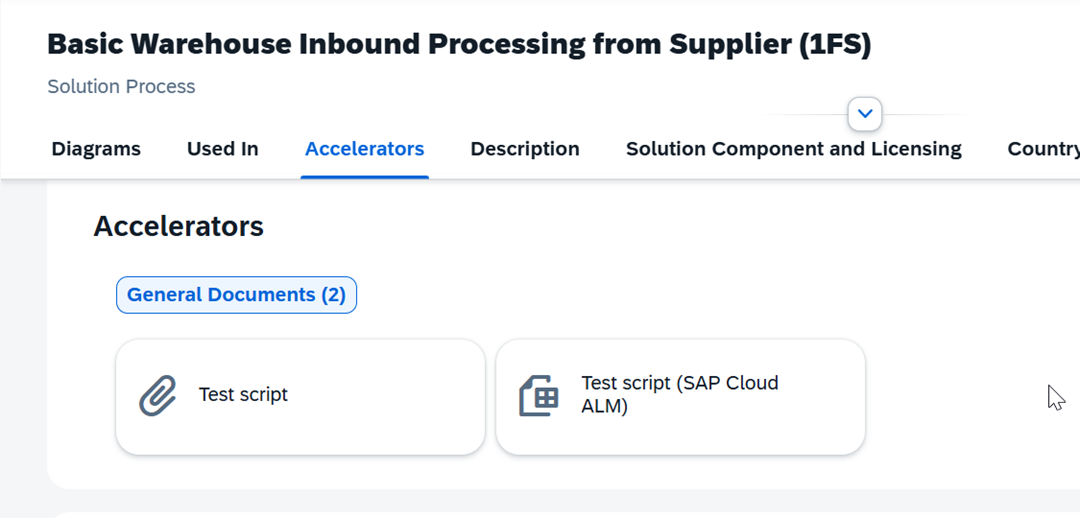
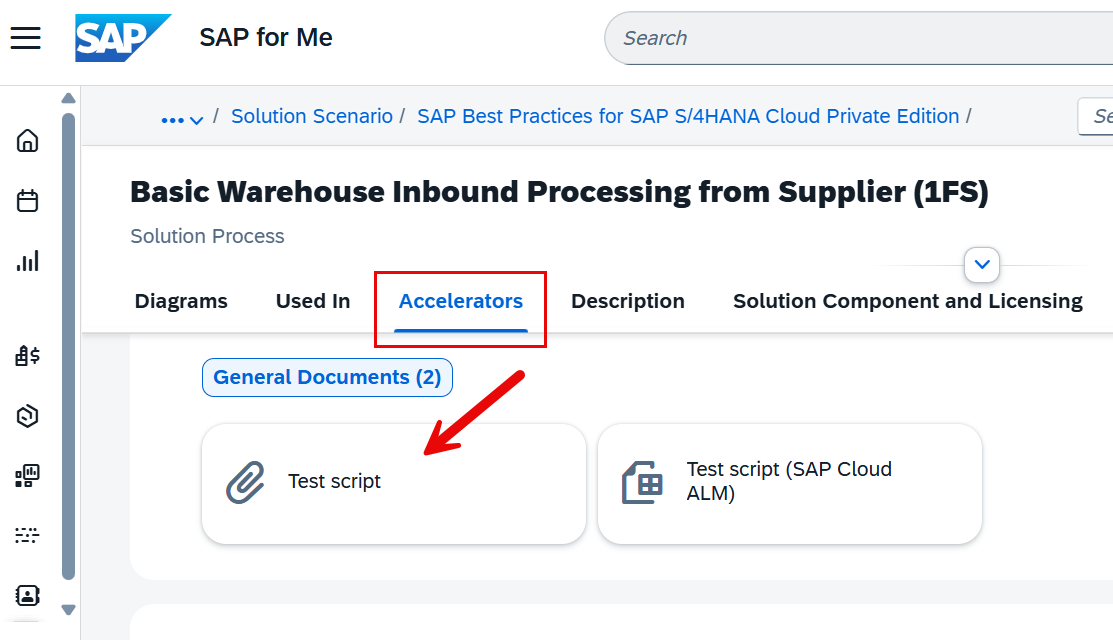
The SAP’s Best Practice test scripts are designed for execution, not for learning.
They’re fantastic for proving that a process works in the system or to use it as a prototype for the solution design (will tackle this in my next video btw), but if you go straight into the instructions, you’ll end up with what I call “button-click knowledge.”
Just clicking and thinking you will learn something is subject to fail. It fades quickly, and you’ll struggle to connect the dots when things get more complex.
So, instead of diving headfirst into transactions, we need a learning flow that builds context, base knowledge and orientation before execution.
My 4-step Learning Method
Those 3 are also the base assumptions for what I call the 4-step Learning Method. I repeat one more time:
- Context: Execution without context leads to fragile learning. This finding is not new and not invented by myself, but I think for SAP EWM it is true more than anywhere else. I mentioned that already in post [LINK] where I explained how to start with EWM. With this video here I focus on how this idea can be applied to learning EWM with the BPs.
- Base knowledge: It is essential to understand the technical base concepts & objects where the thing you are learning is based upon
- Orientation: No surprises during the execution – understand the E2E flow on a high level before going into detail
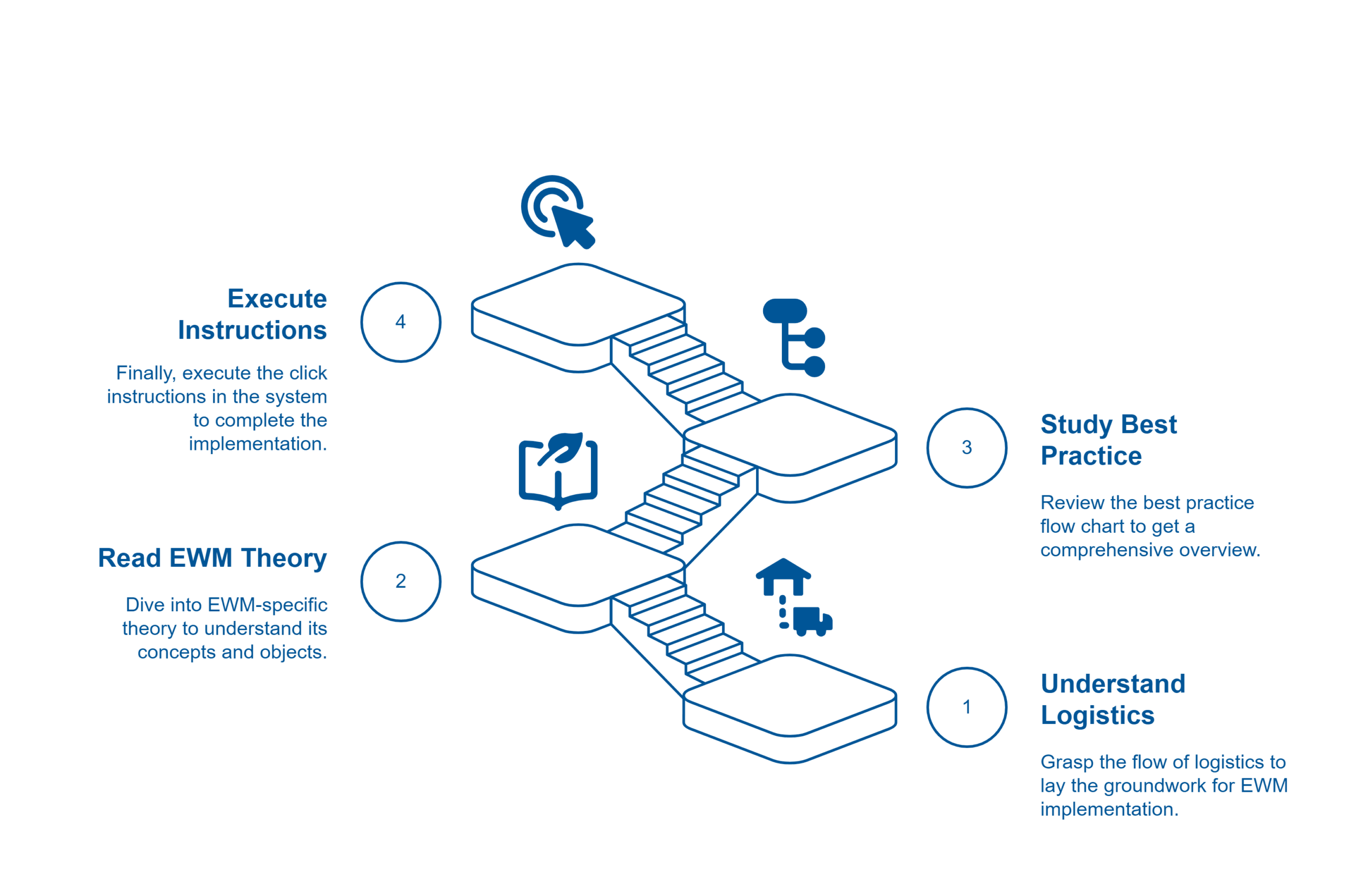
These are the four logical steps, resulting from my base assumptions and forming the 4-step Learning Method:
- Understand the (intra)logistics flow first – even just at a high level.
- Read the EWM-specific theory to understand its concepts & objects.
- Study the Best Practice flow chart to get the birds view (last warm up before the start – going through the trail like a racer before the race).
- Go: Finally, execute the click instructions in the system.
Now let’s break each one down.
Step 1: Logistics First
Before you even touch SAP, you must understand the business processes and the intralogistics (real world) material flows
- What kind of business process triggers the material flow and which parties are involved?
- Where does the truck arrive?
- What happens to the physical pallet during each step?
- Where is it stored in the warehouse?
I highly recommend studying foundational texts like VDI 3601 – it provides the vendor-neutral, timeless logistics basics. I’ve created a short e-book for you, based on this VDI standard, breaking down the logistics basics and the material flow for every EWM scope item.
Step 2: EWM-specific Theory
Now that you know the real-world process, read the corresponding chapter in your favorite EWM textbook, the official SAP Online Help or simply the EWM Best Practice Glossary that I created for this purpose. This is where you connect the real-world ‘why’ to the SAP ‘what’ – the technical terms, the software concepts (WO, WT, PPF, Queue, Storage process, WPT and so on…). This builds your mental model and ensures that when you see buttons and fields in SAP, you already (at least roughly) know why they exist and what they are used to in the given context.
Step 3: Study the Flow Chart
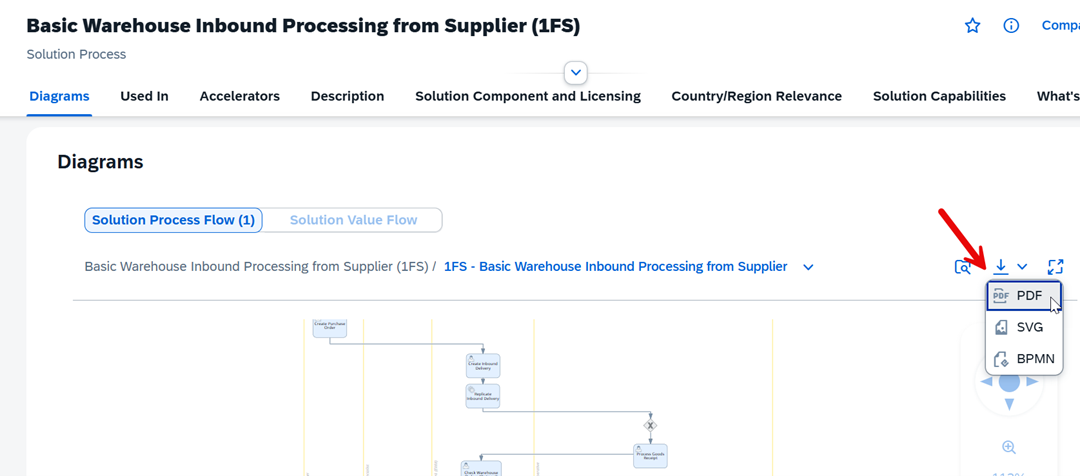
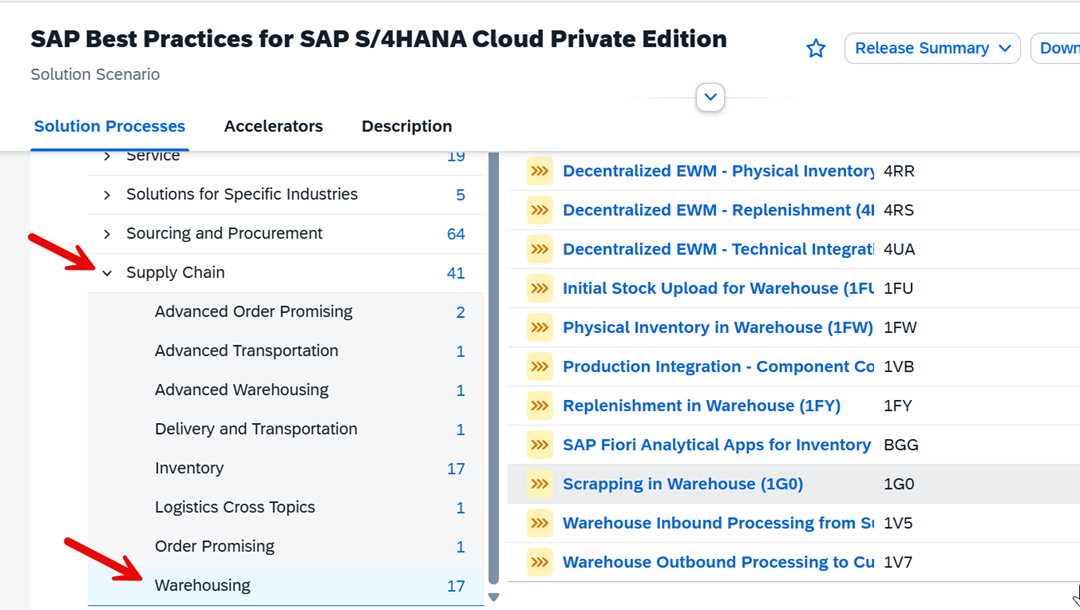
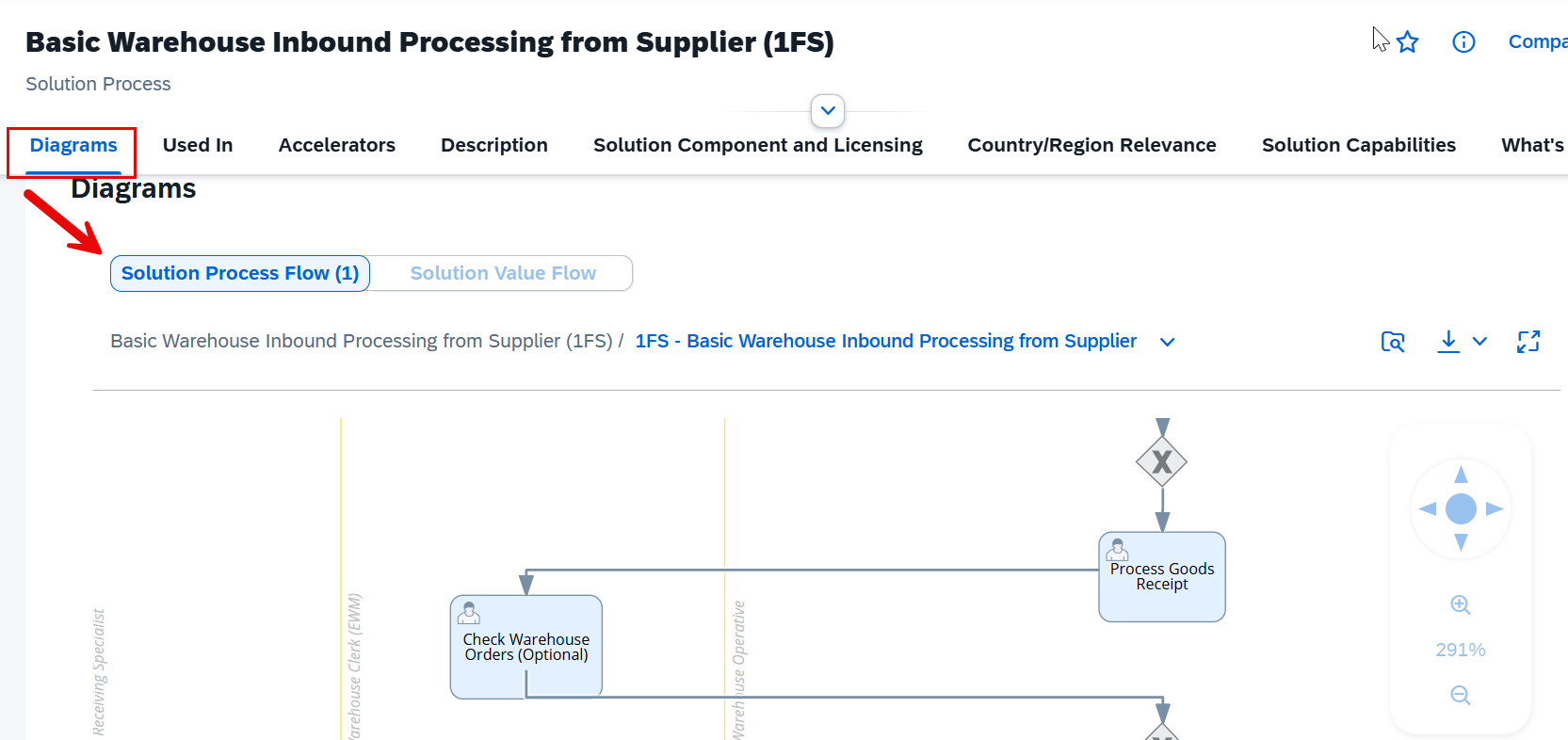
As the last step before you jump into the system, open the Best Practice flow chart from the SAP Process Navigator for the scope item that you want to tackle (the one with the swim lanes). This is your strategic map. By studying the flow before touching the system, you’ll see the big picture instead of getting lost in screens. This is like the racer going through the track one more time before then focusing on the details of each section during the execution/race.
Step 4: Execute the Click Instructions
Now that you’ve built context in steps 1–3, the clicks will make much more sense. You’ll see why each step exists, not just how to do it. This is what transforms learning from fragile to sticky. (of course at some points you will have to iterate back but you will know where to check, find the details and connect the dots).
By the way –
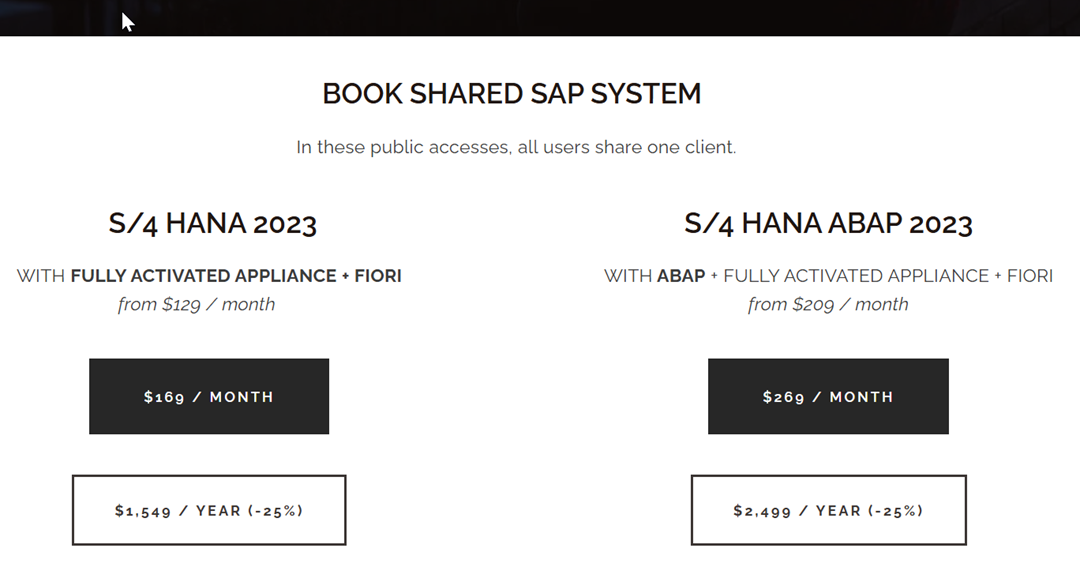
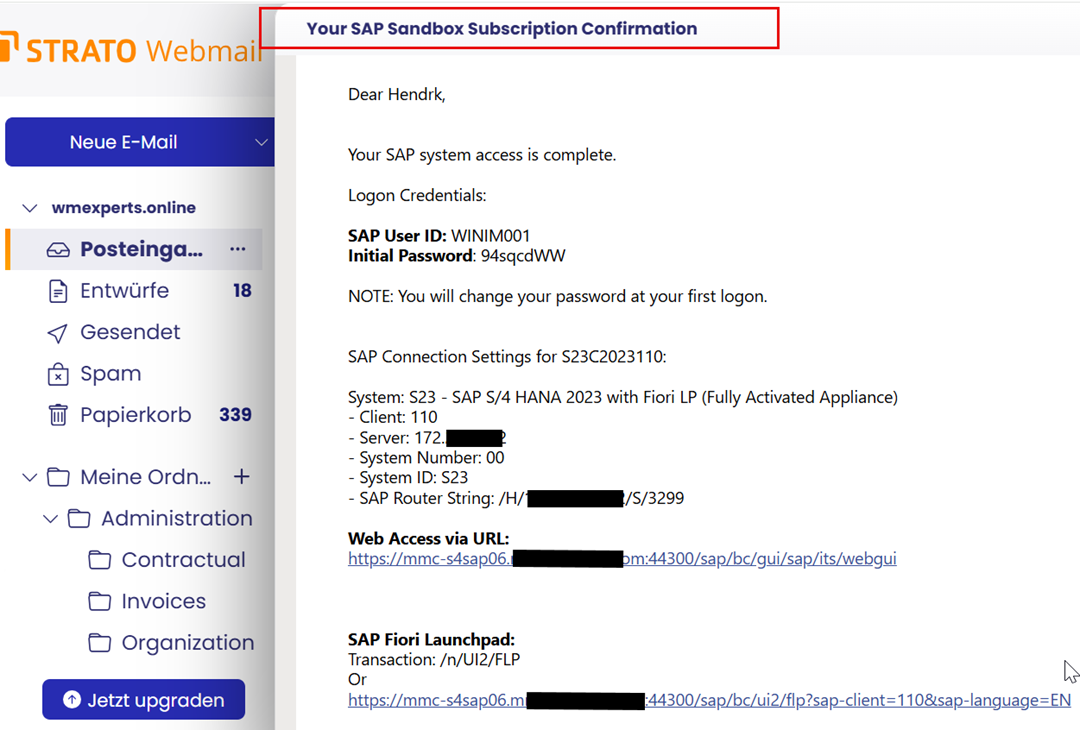
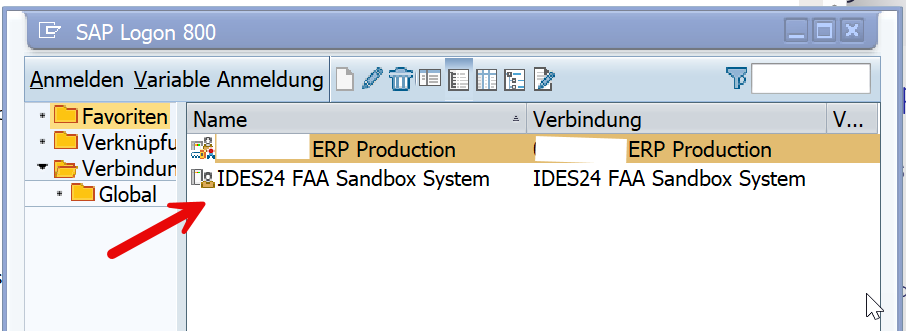
If you would like to work with the best practices but you are missing access to an EWM system with the latest release and pre-installed BPs, I can recommend the offerings from IDES24, which is partnering with my channel here. Visit their website, select the system that you would like to access, receive an e-mail with your credentials and login to your pre-configured system to start learning. You can use discount code WM-IDES24 to get 20% off for your order while supporting my channel/blog at the same time!
Tools & Giveaways
To make the application of this method easy & painless I’m offering a free mini Intralogistics ebook as well as a EWM Best Practice Glossary. The ebook helps you to learn the logistics basics and the glossary holds every EWM specific term you need to understand when clicking through the Best Practices.
You will find a mapping table at the end of the ebook that maps each scope item to one or multiple chapters. The glossary is also structured based on the scope items. This way, you’ll always know what to study before jumping into the system.
Summary
The standard approach is 4→3→2→1. The successful approach is 1→2→3→4: Logistics → Basics Theory → Overview → Execution. Use this 4-step method in the right sequence, and your EWM knowledge will stick.
If you’re a beginner, try it out with your next Best Practice exercise!
If you’re a senior consultant, use it to mentor juniors and watch how much faster they grow!
If this helped, please subscribe to my youtube channel or my blog updates (or both :-)) so you do not miss the next video/post!
Get my monthly blog-updates!
Subscribe to my Youtube channel!
The post How to Learn SAP EWM with Best Practices – My 4-step Method appeared first on WMexperts.online.